Understanding security needs
Every organisation and household has its own security requirements, from monitoring entrances to evidencing incidents. Start by mapping high‑risk areas, such as reception, service counters, and exterior perimeters. Consider lighting conditions, weather exposure, and how footage will be stored and accessed. This initial assessment helps cctv for business you choose appropriate devices, recognise potential blind spots, and plan a scalable setup that grows with changing needs. Planning ahead reduces false alarms and keeps ongoing costs predictable while ensuring compliant data handling for footage and access logs.
Choosing suitable cctv for business solutions
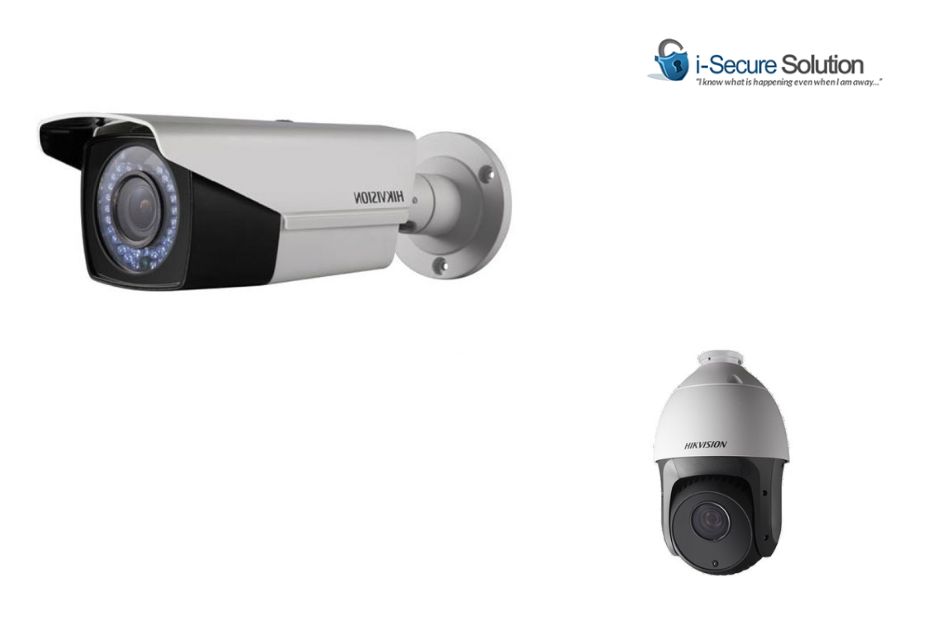
When selecting cctv for business, focus on reliability, coverage, and ease of integration with existing security systems. Look for cameras with durable housings, wide dynamic range for variable lighting, and smart features such as motion analytics and remote viewing. Storage considerations are critical; assess whether you cctv camera for home need on‑site NVRs or cloud options, plus retention policies that align with local regulations. A layered approach often yields the best protection, using a mix of fixed and PTZ cameras to monitor entryways, cash handling zones, and blind spots.
Practical use cases for home protection
For a cctv camera for home, prioritise user‑friendly installation and clear day/night image quality. Compact indoor units can cover living spaces, while weatherproof outdoor cameras guard driveways and gardens. Smart alert capabilities help differentiate between familiar activity and potential intrusions, reducing unnecessary notifications. Remember to balance convenience with privacy, ensuring cameras do not infringe on neighbours’ rights and that access to footage is tightly controlled within your household network.
Installation tips and ongoing maintenance
Successful deployment hinges on correct placement, cable management, and regular system checks. Place cameras at elevated angles to deter tampering and to capture facial details or vehicle plates, while avoiding direct glare from sun or reflectors. Routine maintenance includes lens cleaning, firmware updates, and testing of recording schedules. Create a simple incident response plan so family members or staff know how to retrieve footage quickly and legally, while keeping storage usage under control as your archive grows over time.
Conclusion
Smart security setups balance coverage with practicality, supporting clear evidence and faster responses when incidents occur. As you review options, keep in mind the need for straightforward management and scalable longevity, so systems can adapt as conditions change. isecure