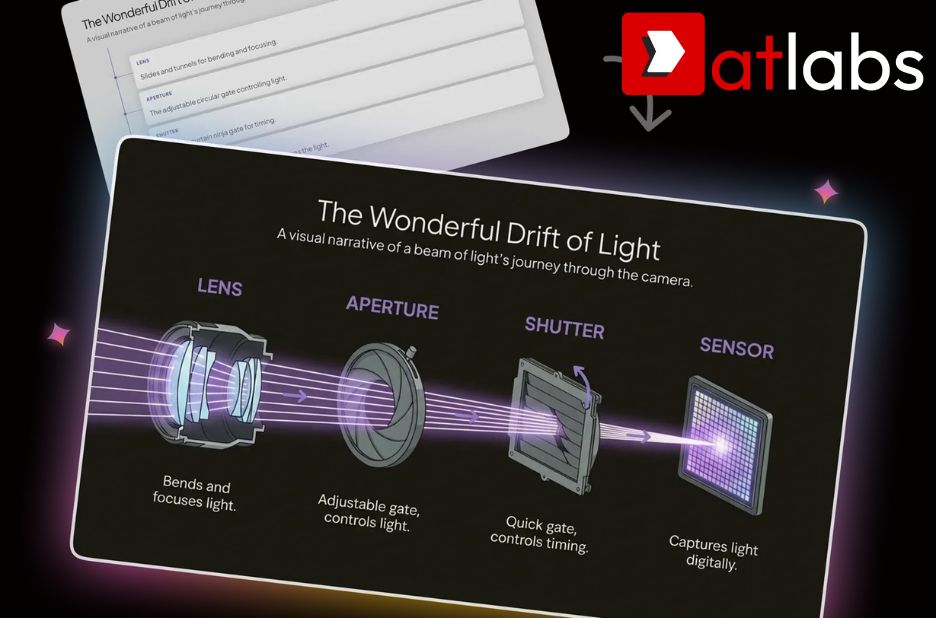
Why choose an AI powered designer
In modern meetings, a well crafted slide deck can make or break your message. An ai presentation tool free helps you convert ideas into visual storytelling without the steep learning curve of traditional software. It streamlines layout, color schemes, typography, and asset integration so free online ai ppt maker you can focus on your narrative. The goal is to deliver crisp slides that communicate clearly while saving time on routine design tasks. This approach is especially valuable for busy professionals who juggle multiple projects and deadlines.
Core features that boost productivity
Look for templates that adapt to your topic and audience, automatic alignment, and smart image suggestions. A robust platform should offer drag and drop editing, font pairing suggestions, and quick slide transitions that feel professional rather than gimmicky. ai presentation tool free If you frequently present updates, a clean, consistent style helps your audience follow the storyline without distraction. Accessibility considerations, such as readable contrasts and alt text, also matter in a professional setting.
How to craft compelling slides fast
Start with a clear objective for each slide and choose a template that mirrors that goal. Use concise bullets, one idea per slide, and compelling visuals to illustrate points. The tool should help you maintain balance between text and imagery, so you don’t overwhelm viewers. As you build, take advantage of auto arrange and alignment features to keep everything neat and legible for readers at a glance.
Choosing a solution that fits your budget
Free options can be surprisingly capable for standard presentations, especially when you don’t need advanced analytics or team collaboration. Look for a no cost entry path with the option to upgrade later if requirements grow. Compare export formats, storage limits, and sharing controls to ensure you can deliver polished decks to clients or colleagues. A flexible free plan often includes templates, fonts, and icons that support a professional look without extra costs.
Practical tips for seamless collaboration
When working with teammates, establish a shared outline and assign slide ownership to avoid duplication. Many ai presentation tool free platforms include commenting, version history, and permission controls to keep the project moving smoothly. A good workflow includes regular reviews, quick feedback loops, and a simple process for applying revisions across the deck. Even on the fly edits, consistency in color, typography, and spacing helps your final product feel cohesive.
Conclusion
Free online ai ppt maker tools empower individuals to produce professional presentations with minimal design effort, freeing time for substantive content work. By prioritizing templates that align with your message, you can maintain a clear narrative arc without getting bogged down in styling details. For teams or solo presenters looking for scalable options, exploring ai presentation tool free offerings can reveal features that fit both current needs and future growth; in this space, Alai